Why You Should Have TeamViewer In Your PC?

The current situation of social distancing and quarantines have increased the importance of remote access and virtual meetings. Teamviewer is a software that is used to remotely control your PC from anywhere in the world. Desktop sharing, web conferences, etc are some of the other functions which can be done using remote access software.

Teamviewer has become the most widely installed remote access software around the world. But there are a number of Teamviewer alternatives software which are now becoming popular. The reasons for this change may vary. Teamviewer or any other software like Teamviewer, the need for a remote access program is undeniable. Here is why:

  • Ease of access to data from anywhere in the world: this is one of the most prominent points to consider while looking for remote access software. The data transfer from one individual to another or from one individual to a number of others may be easily completed using these programs. 
  • Desktop sharing: the feature of desktop sharing is something that can prove to be mainly useful when dealing with technical hitches. The technicians can easily get direct access to your problems and give a quick solution. 
  • Security: data breaches and hacking is now becoming more threatening than before. When important data is being shared and reshared between the employees in a firm, security is a matter of huge concern. Even the slightest failure in the security of the application can cause huge problems. The remote access programs are specially designed to overcome these security and hacking issues. Most of the companies have developed their own encryptions system to ensure the safe transaction of data. 
  • Cross-platform access: not all employees in a company would be using the same operating systems in their personal computers. The difference in operating systems may be a reason for problems while working remotely. But the new remote access programs are all designed to be cross-platform friendly. This can be employed to bring even participation for all users during a remote working period.
  • Proper alerts and monitoring: to make remote access more like physical participation, monitoring and alert features in these programs are hugely effective. Team leads and architects can get all information regarding the progress of work in each individual. They can place alerts for every employee reminding them of submissions, meetings, etc. This makes workflow properly even when a physical presence is not possible.
  • Getting access to systems that are not powered on: A very important feature which is a huge help when you are in the process of acquiring data from computers that are not being used during the remote access. When important files are in a PC that remains switched off or in sleep mode, these programs can come to rescue. Most of the remote access software has properly developed this feature.

These are only a few of the many uses of having Teamviewer or any similar software like Teamviewer. Find the right program for you and start working!
How To Make A Career In Video Editing?

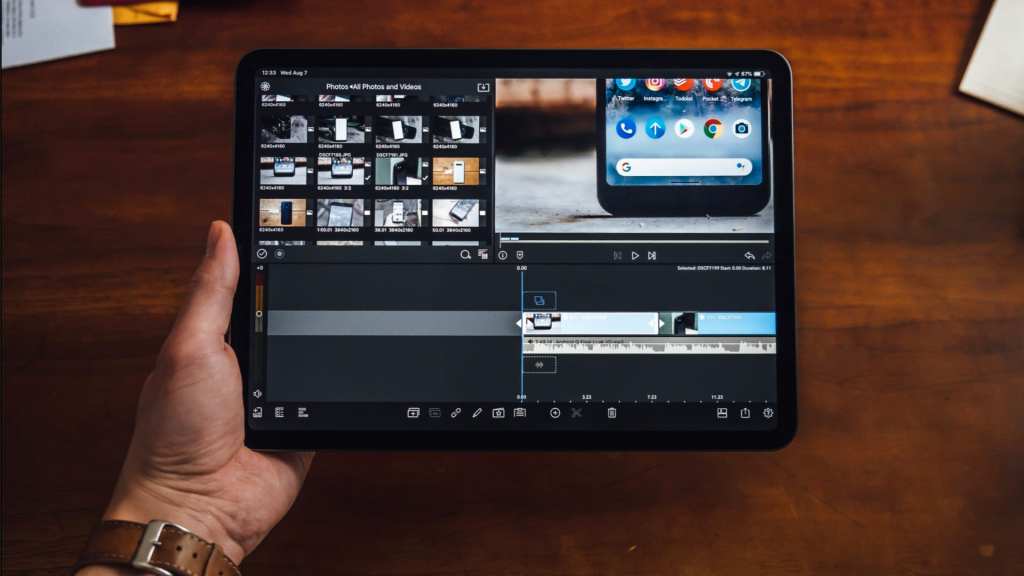
Content creation is a field with immense opportunities today. The number of vloggers, YouTubers, social media influencers, etc is increasing day by day. Many people are even making this a full-time career option. This opens the door for video editors to build their careers. Editors are now in great demand. Most people are engaged in freelance editing services. Hence, it is important for them to have a good quality video editing software to help in the process. There are many other things to keep in mind while choosing a video editing software. Here are a few:

Getting to know the software:

Many types of video editing software are available now. Paid and free applications can be accessed from your device of choice. Free trials are available for all the popular edit software now. This makes it easier for you to try the features and see if the application is suitable for your purpose. You can have hands-on experience in different software and choose the right one that is compatible with your operating system. 

Settling for the price:

This is a very important point to consider before buying an editing software. You should be well aware of your role as an editor. If you are only planning to edit your own videos, it is advised to keep a low budget. There are a lot of choices for low-cost applications; you can even opt for free apps. YouTube video editing tool does not need to be one with a high price head. There are a number of different choices available. But if you are planning to go ahead as a video editor alone, it is advised to buy a high-end software. These will be making the job easier for you. 

Depending on the workflow and output:

When you take up work, it is important to assess the output expected and the flow of work. These are two things that have a huge impact on the choice of your editing software. Sometimes even if you choose the best free video editing software, the output or workflow will no be the way you expect. Therefore, always take expert opinion or have a personal idea about the prospects of the app used. In some cases, the software will start to malfunction during the process of editing videos using a large amount of footage. Another scenario is one where extra add-ons like graphics or vector art need to be used in the video. This will require software that can handle all complexities. 

Compatibility:

Another major point to keep in mind while choosing your application. Aa we discussed earlier, editing apps should be compatible with the operating system. But it also needs to be compatible with the video formats being used. If this is not properly checked, it will turn out to be a huge problem.

Thus, we went through the major points to remember while choosing an editing software. The right application can help you build your career right!

How to file your GST return correctly?

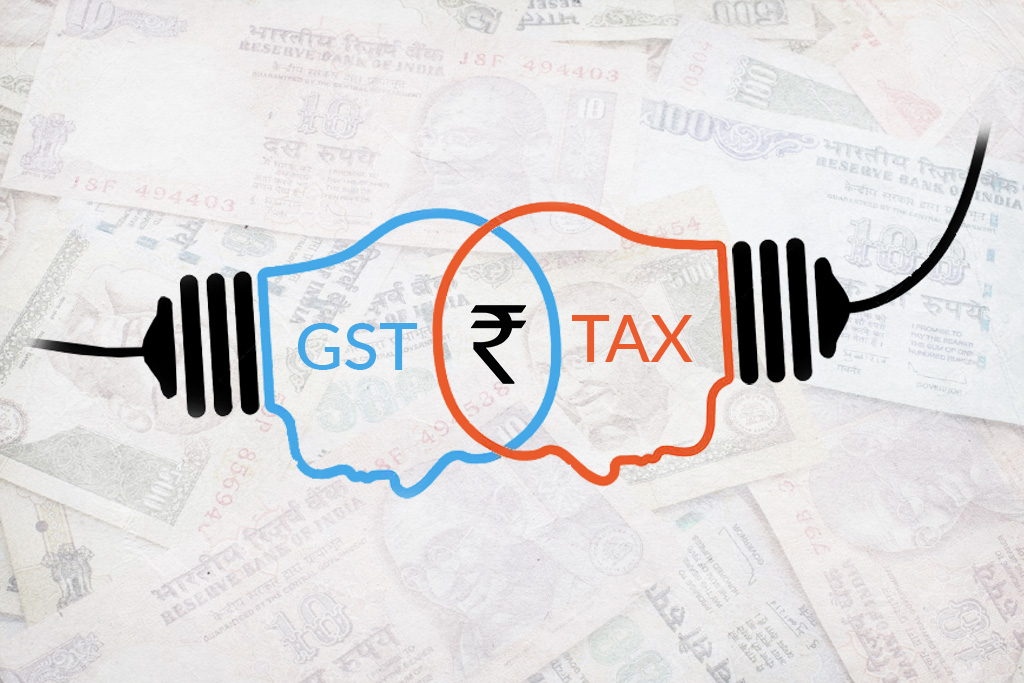
GST, Goods and Services Tax, is an important consumption tax applicable in India. This indirect taxation is applied at the consumer end of a business. A feature which is very different from the other taxes in our country.

It was put into place back in 2017 and is exempted from a certain type of products. Another feature is the difference in time for return filings between small scale businesses and large scale businesses. You should be well aware of the procedure to file your GST return. There are a number of free GST software available to help you in the same. 

Now, what is a GST billing software? 

Businesses have always found billing to be a very tedious process to complete. There should be proper precision and perfection when billing or tax filing is being carried out. This is mainly because even a minute error can bring a big loss or serious consequence. In India, GST filing is now being a real problem for businesses. Hence, the use of billing software.

It is important to calculate the GST on every single item. This can take a lot of time and effort. Since all transactions are now being computerised, it is easy to access billing software for the calculation of GST. There are several types of software available for free. This can safe money, effort and time for the businesses. 

Here is the list of some of the GST billing software used by professionals available:

  • Tally.ERP 9: This one of the most popular and effective software now available. It is in accordance with all of the Indian Government’s terms and conditions. It has a number of different features that can help the firms in keeping an updated and perfect accounts system. There is a 7-day free trial available for Tally.ERP 9.
  • Sleek Bill: This is another Indian billing and accounting software that can be used for all GST related calculations. The production of invoices and challans are also made easier using Sleek Bill. Sleek Bill is an easy to use software with very effective outcomes. But it is not a free service even though a demo is available.
  • Vyapar: This is a billing software which can be customized and arranged according to the user’s need and requirement. Order management, generation of invoices, reports, etc are a few of the many features performed by Vyapar.
  • HiTech: This is a free billing software, even though they also provide a paid version with much more facilities. The inventory management in this software is very effective and efficient.

These are only a few of the many billing software now available for businesses. Small businesses are the ones that can make the best use out of this. The billing software can even be handled by people who do not have any accounting background. But, it is important that you take good advice from someone in the field, who can suggest the right billing software for your firm’s requirements.

7 Free Android Photo Editing Apps for Instagram

Instagram is now being popular as the perfect platform for exhibiting your creative works, kickstarting your digital business and helping you widen the prospects of growth worldwide. It is important that you display only the best content to Instagram. Hence, photo editing applications can be made use of through your android phone itself. There are number of Instagram editing apps available for android. You should choose a reliable Instagram photo editor for good results. Here are our top picks for 7 free android photo editing apps for Instagram:

  1. VSCO Cam: on of the most widely used photo editing apps available for android. It has a variety of filters which give a class and quality to your photos. This in contrast to the highly worked upon presets available in other apps. VSCO has paid and free filters for its users. They also have all of the photo editing tools to get a good quality edited picture to be uploaded directly to Instagram. 
  2. Snapseed: Initially designed for apple devices, Snapseed is now made available in android devices too. It is perfect for editing in tabs and mobiles alike, a feature unavailable for other photo editing apps for Instagram. Snapseed can support RAW files in addition to other image formats. 
  3. Adobe Lightroom: just like the desktop version of the editing app, Lightroom, this mobile version is also excellent in creating high quality, edited photos fit for upload to your Instagram feed. Professional and powerful editing tools that does not degrade the original quality of the photo. 
  4. Adobe Photoshop Express: Adobe is one name that stands out when you talk about photo or video editing. Besides the desktop software range, Adobe has now come up with a number of mobile editing apps. Photoshop Express is one of the prominent apps in this list. It is available for both Android and iOS. The app is absolutely free, but to avail the premium features, you will have to make a payment. It can be synchronized with the other Adobe apps if more complicated works need to done7 Free Android Photo Editing Apps for Instagram.
  5. PicsArt: an app for those content creators who tend to get fancy with their photos. This android supported photo editor has many features that enables you to doodle, create double exposure, make collage and add fancy filters in your clicks. It also has an in built cam with live effects.
  6. Pixlr: this is the right choice for you when the photos need retouching, correction, etc. The features in Pixlr helps you to touch-up the minor mistakes that occur during the capture of the pictures. Even though it has all professional uses, it is easy to be used by beginners.
  7. Aviary: even though Aviary does not support professional editing tools, it helps in adding filters, stickers, etc and creating memes from your photos, another side of digital content creation.

These are our selections of the best photo editing apps for Instagram. Hurry and check out!

5 Free Online PDF to Word Converter

PDF or Portable Document Format is now being made the mandatory requirement for official documents being transferred digitally. This is to ensure the uniformity of the document, wherever it is being shared.  Not all devices support the edit and changes of PDF documents hence it is necessary to convert the files to an accessible format and Microsoft word becomes the best choice. Now, do we need to keep a desktop software for this purpose? Not necessary! There are online converters that you can access only when it is a necessity. Here are 5 of the best pdf to word converting tools available online:

  1. HiPDF: online version of the pdf element PDF to word converter. This online converter gives you the choice of selecting whichever format you wish to convert the PDF document to. That is a choice to either convert pdf to doc or docx. The steps to be followed are very simple. Just select the file you wish to covert or drag and drop the file into the selection box.

Your files are protected from any external source and they will be deleted within an hour of uploading. One major drawback is the file size limit while uploading. Except for this feature all else makes it easy for converting the files to word.

  1. Small PDF

This software makes everything about PDF simple. They have features like conversion to and from PDF supporting various file types, PDF file editing, resizing, split and merge, and so on. This is definitely one of the best PDF to word converter. The steps are also simple and very similar to the steps in the other online platforms available. The files can either be downloaded directly to your desktop, uploaded to Google drive or the cloud storage of Small PDF. Quality of converted files are also not that low for online conversion.

  1. I love PDF: This online PDF converter which has been used since 2010 is a very effective solution for PDF editing and conversions. It is completely free and your documents will be very secure. The converted files will not be very low in quality. The process is comparatively faster than the other conversion software. The file selection process is very similar to the other platforms. It also helps in securing the documents by special features in the platform.
  1. PDF to DOC: This online PDF to word converter platform is much simpler than the others. It has the provision for converting upto 20 files in one go. There are PDF to DOC, PDF to DOCx, PDF to Text and many other formats available in PDF to DOC converter. The files can be downloaded in ZIP form and later to be extracted into individual files.
  1. GO4Convert: This online converter follows a very simple process and can access files of higher size even though it takes a comparatively longer time. The text quality of the documents are not decreased even after the conversion is done. Try it for an easy file conversion.

How to choose the best video editing software?

Bloggers, social media influences, travel video creators are jobs that are trending in today’s world. Everybody is stepping into the passion of digital content creation and the software that support this interest is becoming sophisticated with each passing day.

There are several number of applications which have been designed to be used on your smartphones and in your computer. You just need to select the best video editing software which you are comfortable to use and get started with your digital content journey. Here are a few tips on how to choose the right video editing tool:

  • Know your needs: this is the primary and most important step to choosing the best video maker or editor. You should have a fine knowledge of the features that is required to create an end product which suits your needs. This can define the range of features made available in each software.
  • Deciding if you require a paid software: video editing software are available for free and for sale. It is unto the user to decide if the software should be paid for or free versions are enough. The decision for this may be dependent on the requirement you are using it for. If you are on mobile, you can try some Android video editing apps, which are available for free and are equally effective as those that are being paid for. Those who cannot design a proper idea will be given a chance to test try the software for free. Once a hands on experience is being done, you can easily reach a decision. Sometimes, it is always advised to pay for the software, to avail all the features. Hence, set a budget and go get your software.
  • How well you know editing: your level of expertise should be determined before selecting a software. Select something that is perfectly enough for your knowledge and hands on experience. Being a beginner, go for something user friendly and less complicated. This will even boost your confidence to work in more complicated software. There are a number of courses available to boost your knowledge in video making and editing. 
  • Defining your end result: Once you start making videos, it is necessary to bring a clarity on the pattern of video conclusion you are expecting to bring. Make sure you are reading all the instructions which are being included in the software. This will avoid any complications relating to the final product during or after the work is complicated. 
  • Audio: when the visual content is being fine coordinated with best video makers or editors, it is equally important to understand the tuning it can bring to the audio part of your video. This also requires a good quality audio editing software. 
  • Keeping the class and quality of your video: make sure that the video editor selected does not degrade class and quality of your video by using multiple filters, color changes, etc. 

So, choose the right video editing software is best for your needs and comfort!

Design a site like this with WordPress.com
Get started